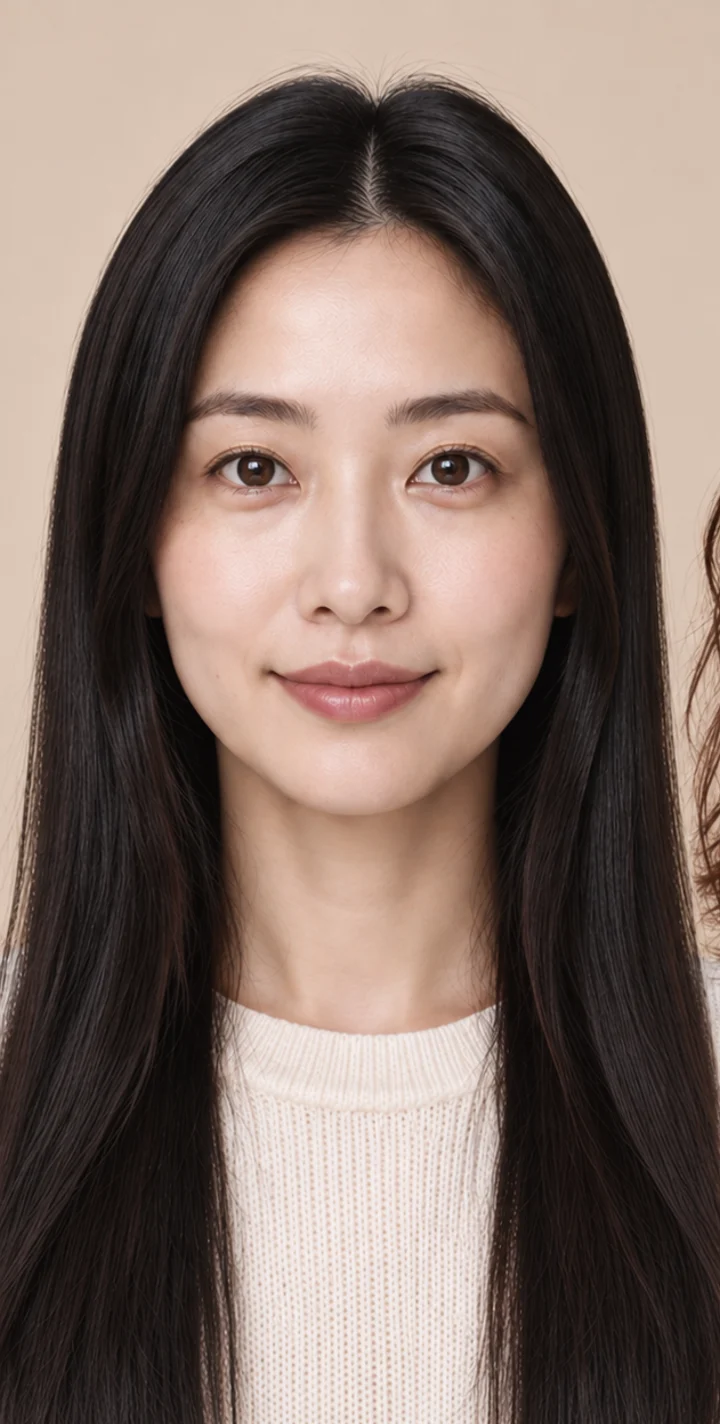
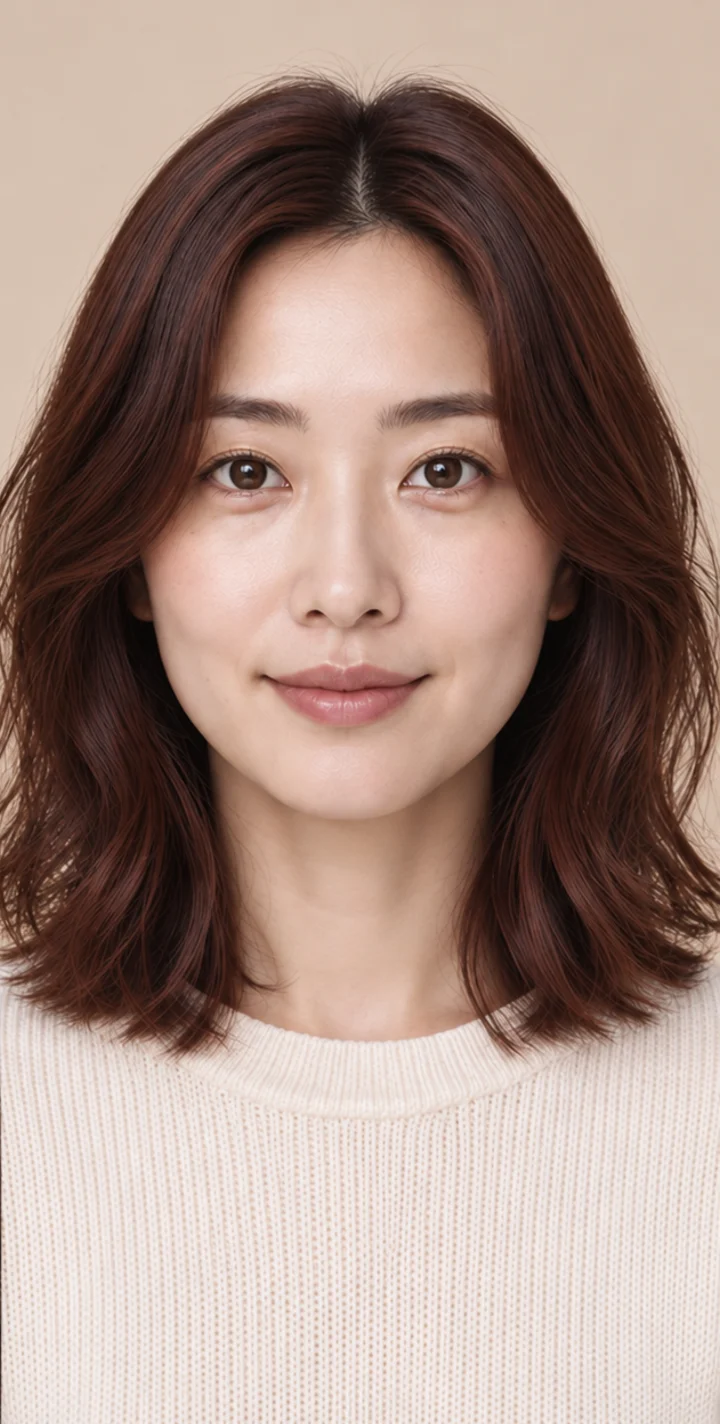
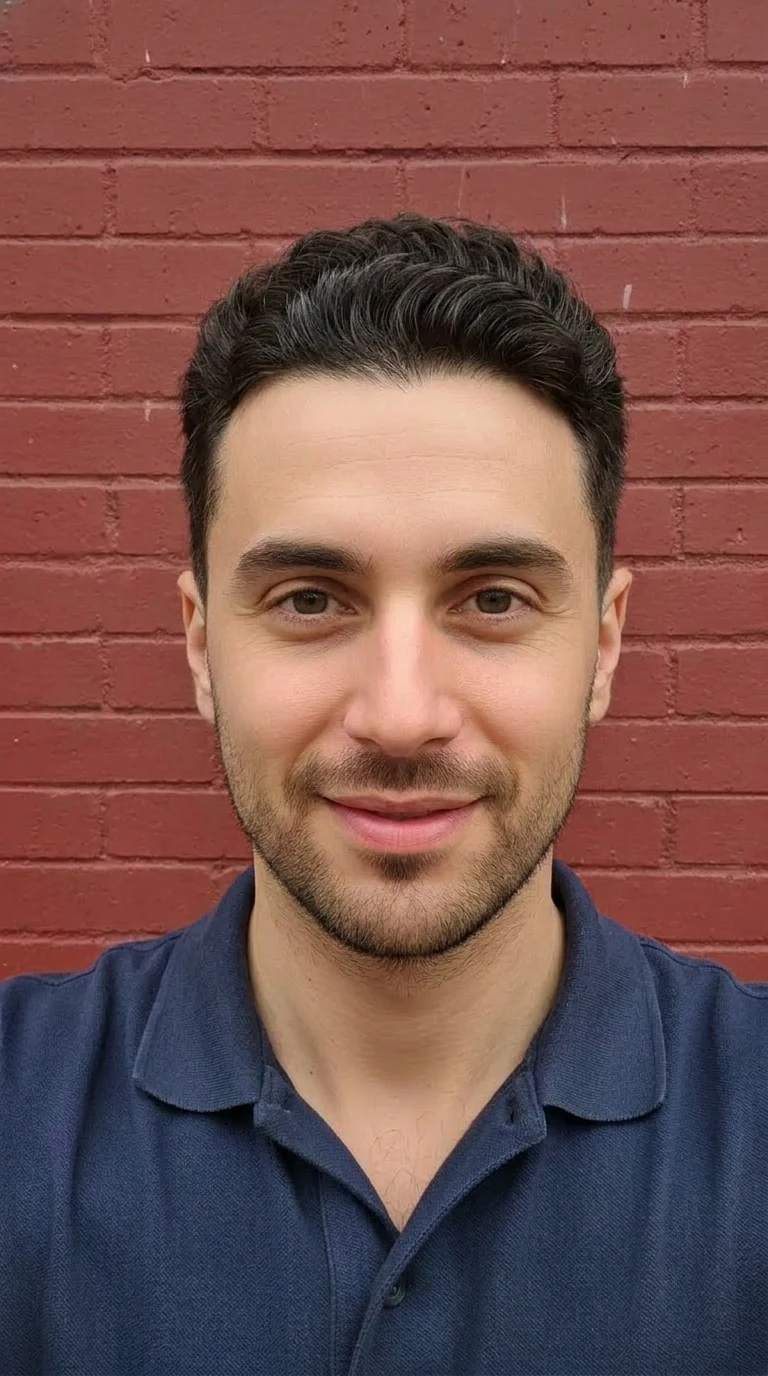
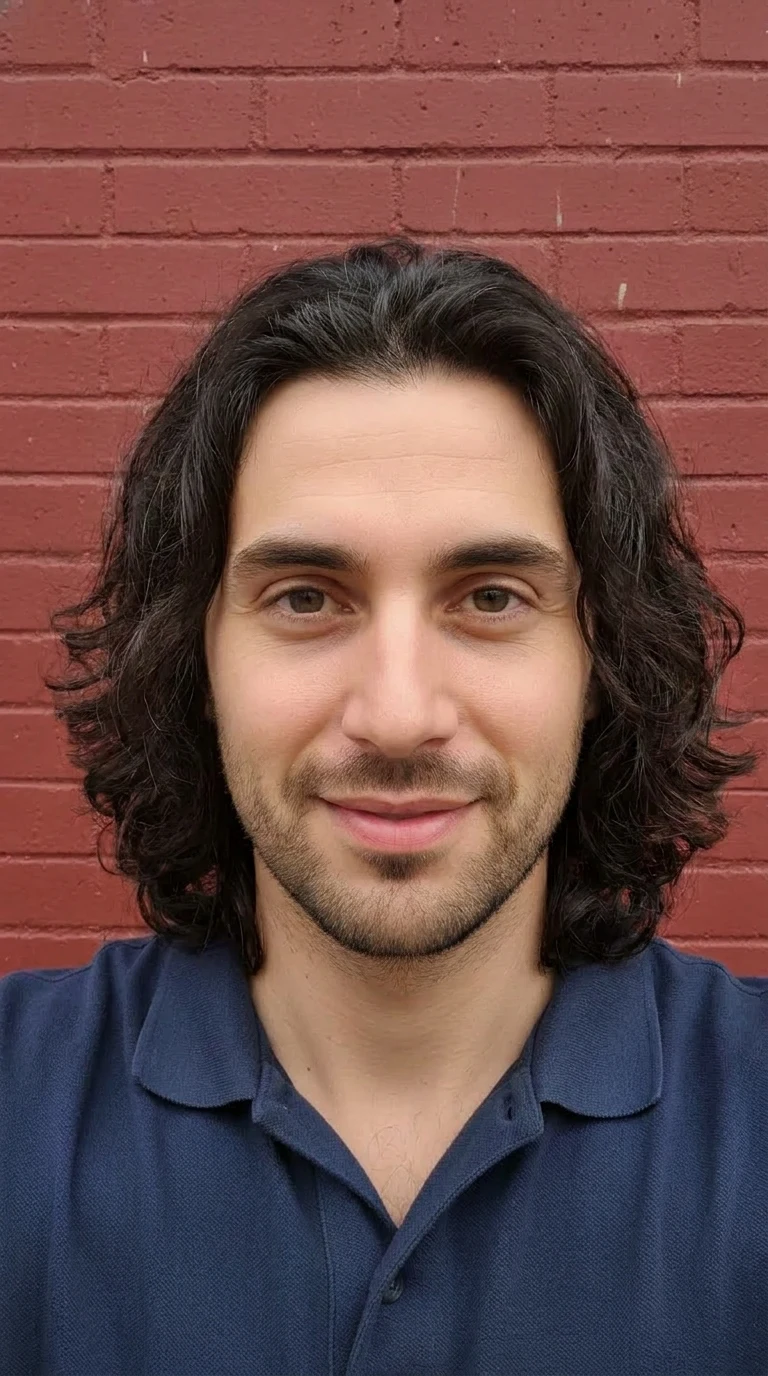
Found a look you love?
Copy a cut or color from a reference photo and see how it looks on you. Inspiration, made personal.
How AI hairstyle try-on works

Concept imagery
AI hairstyle preview
Preview haircuts and colors on your photo
with Naee for iPhone.
Free download · In-app purchases
From your first “what if” to your next salon visit. Make room for a little experimentation.
Copy a cut or color from a reference photo and see how it looks on you. Inspiration, made personal.
How AI hairstyle try-on worksExplore cuts, colors, and textures on your own photo — without picking up the scissors.
Tips for trying a new hair colorChat with your AI hairstylist about face shapes, everyday care, and finding a style that feels like you.
Explore hairstyles for round facesSave your favorites, compare your options, and show your stylist exactly what you have in mind.
Your next look is closer than you think.
A clear photo, natural light, and you. That’s all you need to get started.
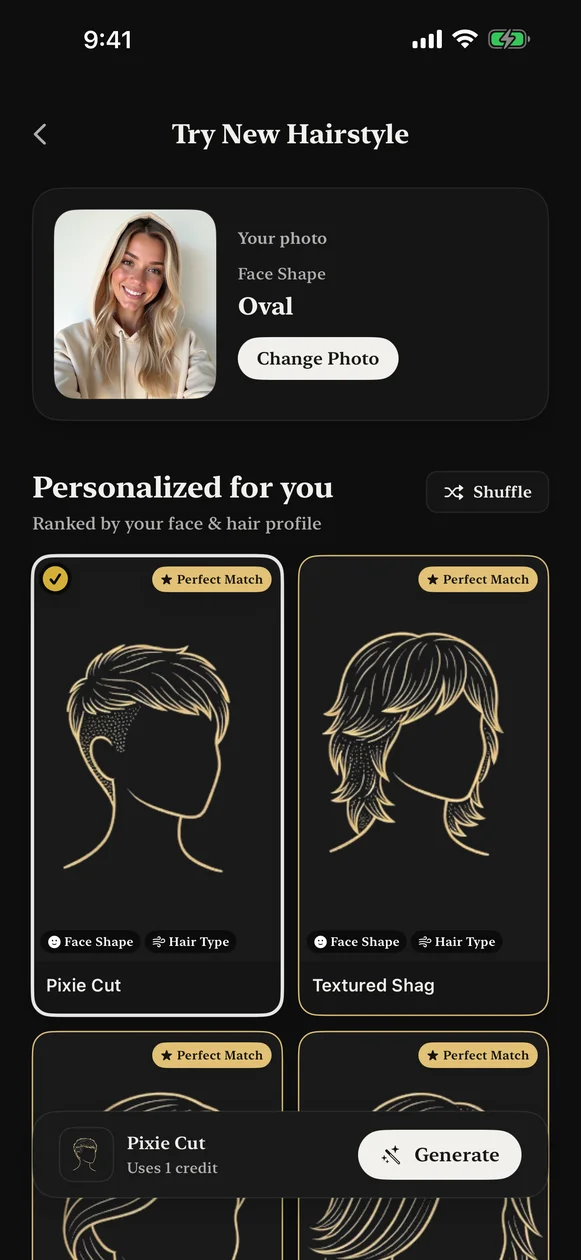
Choose a cut, try a color, or copy a look. Let AI bring your idea to life.
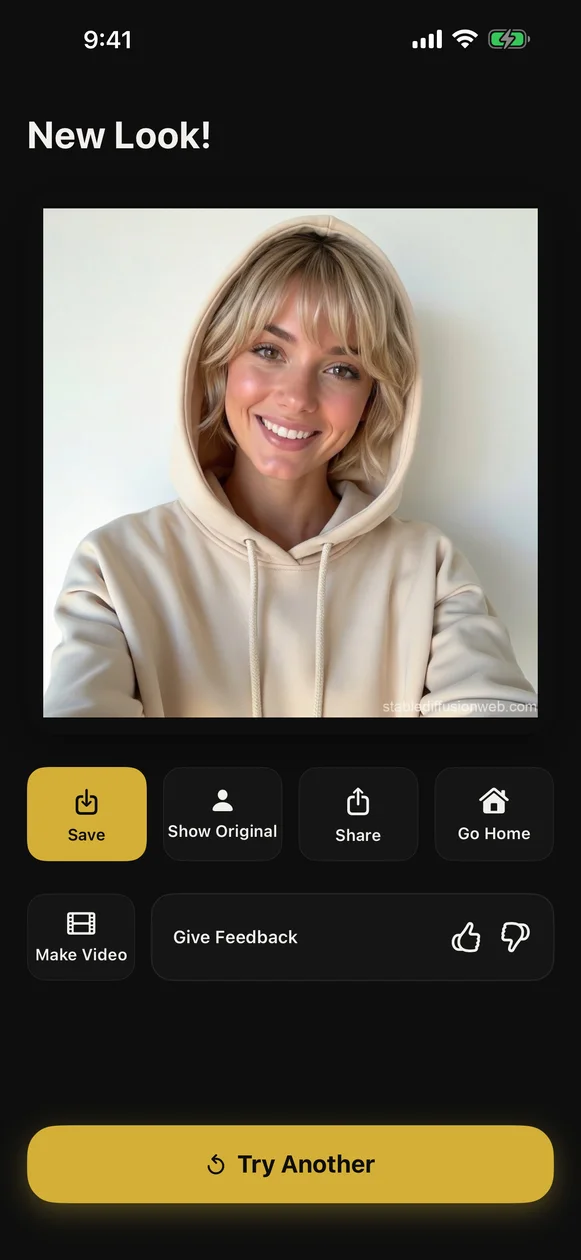
Explore your favorites and save a reference for your next salon visit.
.webp)
“It looked way more realistic than I expected!”
38ハラ
App user ·
“It’s simple, easy to use, and helps you pick a hairstyle.”
uxpensive
App user ·
“Fun”
Dancer 102
App user ·
Japanese review translated; other wording lightly edited for clarity.
The details behind your next look, from realistic previews to keeping your photos private.
Naee uses advanced AI to render hairstyles directly on your photo. For common cuts and colors the previews are highly realistic, but results can vary depending on photo quality, lighting, and hair texture. Previews are meant to help you explore ideas and choose styles with confidence — they're not a guaranteed exact match to an in-salon result. We continuously improve our models with user feedback.
Yes. Upload or point Naee at a photo and our AI will extract the cut, length, and color cues to recreate the look on your own photo. This makes it easy to save a reference or show your stylist exactly what you want.
You can experiment with a wide range of cuts, colors, and textures — from short crops and layered cuts to long styles, balayage, vivid colors, and more. Extremely occluded or highly stylized editorial looks may be harder to render perfectly, but Naee will provide a best-effort preview.
For best results, use a clear photo with natural, even lighting and a plain background. Make sure your hair is visible (avoid heavy hats or strong backlighting), and provide multiple angles when possible. Close-ups of hairline or texture help with more accurate previews. Avoid blurry or heavily filtered images.
The AI rendering and stylist chat require an internet connection because the heavy models run on our servers. You can save generated looks to your collections for offline viewing, but creating new previews needs connectivity.
We take privacy seriously. Photos you upload are used to generate previews and are never used for training models. All personal data is encrypted in transit and at rest, and we never share your photos publicly without consent. Photos are deleted from our server in 24 hours. Only copy is on your device.
Give that idea a try. Your personal AI hairstylist is ready when you are.
Free download · Optional premium features